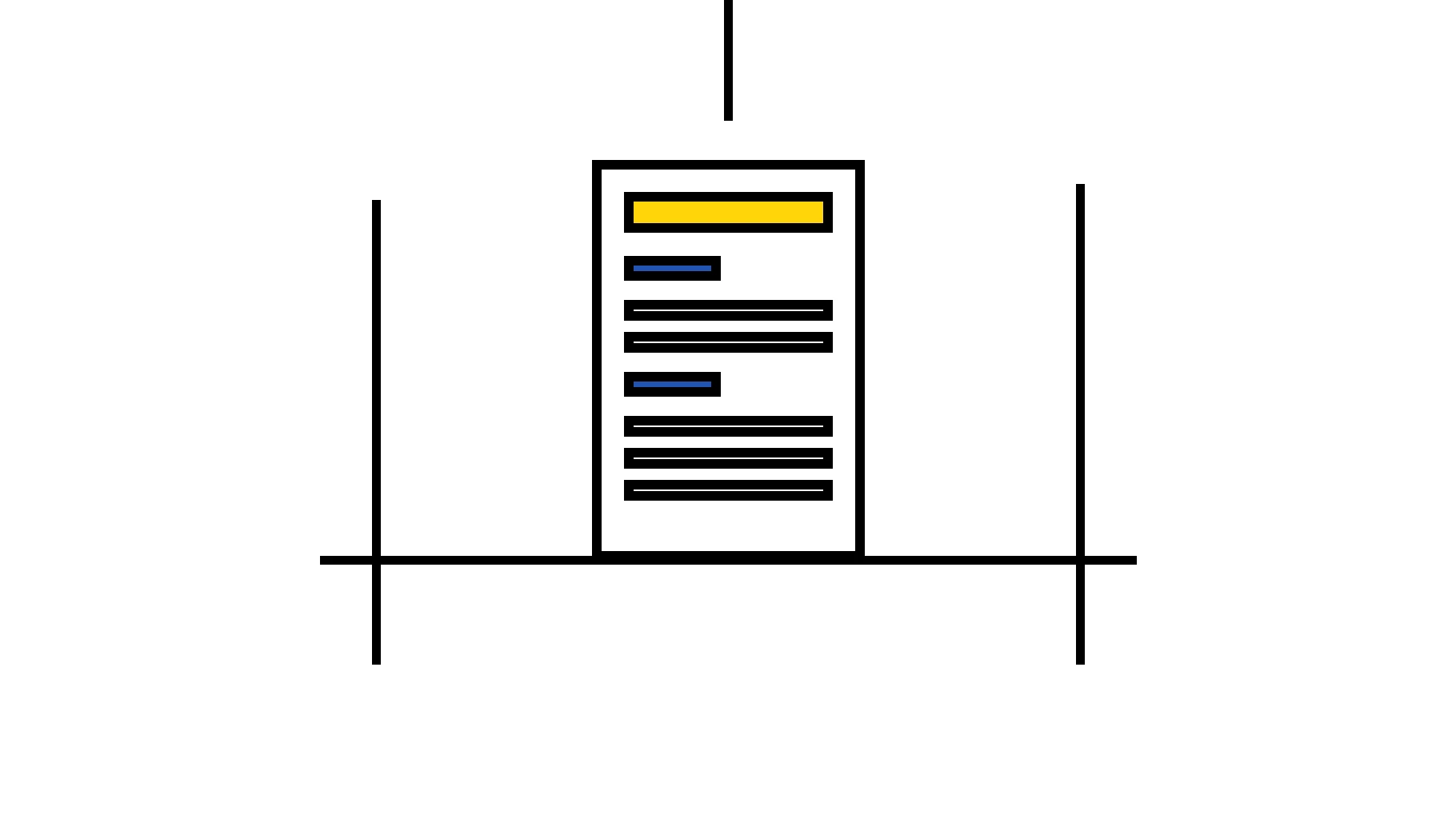
You found a gorgeous CV template. Two columns, skill bars, a little icon next to your phone number.
The applicant tracking system found it too. It read your phone number as your job title.
Which CV template is best for applicant tracking systems? A boring one. Real text, not an image. One clear reading order, top to bottom. Standard headings like "Work experience" and "Skills". No tables, text boxes or skill bars. Then test it: copy all the text out of your PDF and paste it into a plain text editor. If it reads in the right order, a parser can read it too.
TL;DR
- Most ATS don't reject you for design. 23 of 25 recruiters in Enhancv's survey said their system doesn't auto-reject on formatting.
- But they do read your CV as text. If the text comes out scrambled, the recruiter searching for "SQL" may never find you.
- The 30-second test beats any template. Select all, copy, paste into a text editor. What you see is what the parser sees.
- Template is the small lever. Content matched to the job is the big one: tailored CVs got interviews at 5.71% against 3.09% in Huntr's data.
What an ATS actually does with your template
Let's kill a myth first. In late 2025, Enhancv asked 25 US recruiters how their systems work. 23 said their ATS doesn't reject anyone for formatting, design or content. Rejections mostly come from knockout questions (work permit, location, required degree) and from tired humans.
So why care about the template at all? Because the ATS turns your PDF into text and fields. Recruiters then search and skim those fields. A messy conversion doesn't get you rejected by a robot. It gets you missed by a person.
Think of the parser as a junior dev reading a minified file: it'll get through it, but don't expect it to guess your intent.
What breaks the parse
A PDF doesn't store "this is a sidebar". It stores bits of text with positions. The parser has to rebuild the reading order, and some layouts make that hard.
- Sidebars and two-column layouts. The parser may read across both columns, line by line. Your skills end up in the middle of a job description.
- Tables and text boxes. Content can come out in the wrong order, or not at all.
- Text in images. Icons, logos, skill bars and scanned CVs are pictures. A parser can't read a picture of the word "Python".
- Contact details in the header or footer. Some parsers skip those areas. Put your email in the body.
- Creative headings. "Where I've made magic" is cute. "Work experience" is a field name the parser recognises.
None of these is guaranteed to fail. Parsers differ, and newer ones are better. But why bet your application on an edge case?
The 30-second test
You don't need a paid tool to check this. You need a text editor.
- Open your CV as a PDF.
- Select all and copy. Ctrl+A, Ctrl+C (or Cmd on a Mac).
- Paste into a plain text editor. Notepad, TextEdit in plain-text mode, anything.
Now read it. Is your name at the top? Do your jobs appear in order, each with its own dates? Is every skill there? If you see scrambled lines or missing sections, the parser sees the same thing.
If nothing pastes at all, your PDF is an image. That happens with scans and some design tools. Fix that first: no template advice matters if the text isn't there.
So which template?
The best CV template for an ATS has five boring properties:
- Real, selectable text. Exported from Word, Google Docs or a CV tool, not scanned.
- One reading order. Small side-by-side bits are fine, like dates next to a job. A full sidebar is risky.
- Standard headings. Summary, Work experience, Education, Skills, Languages.
- Reverse-chronological order. Your latest job first. That's what recruiters and parsers both expect.
- No graphics carrying information. Skill bars, star ratings and icons say nothing to a parser. "Python, 5 years" says a lot.
PDF or Word? Both are fine for most modern systems, as long as the PDF has real text. If a posting asks for .docx, send .docx. Specs exist for a reason (ask anyone who's shipped to the wrong API version).
What we built for this
The six templates in SlashHash are built to pass the test above. Each one uses the same standard headings: Summary, Skills, Work experience, Languages and Education. No tables, no skill bars, no sidebar. The PDF is saved with real, selectable text, and the photo is optional.
But a clean template only gets your CV read correctly. What gets you the interview is the content. Our free ATS resume checker shows which must-haves of a job your CV meets and which it misses. Then Tailor my CV helps you tailor your CV to the job description: it suggests rewrites of your own sentences and asks before adding anything. It never invents experience.
Huntr's data on almost two million tracked applications shows why that matters. Tailored CVs were marked interviewed 5.71% of the time, against 3.09% without. That's correlation, not proof, but it's a much bigger lever than your font.
FAQ
Which CV template is best for applicant tracking systems? A simple, reverse-chronological template with real text, one reading order, standard headings (Work experience, Education, Skills) and no tables, text boxes or skill bars. Test it by copying the PDF's text into a plain text editor.
Do ATS systems reject CVs because of formatting? Rarely. 23 of 25 recruiters in Enhancv's 2025 survey said their ATS doesn't auto-reject on formatting. But a layout that scrambles your text can hide your skills from recruiters who search the system.
Can I use a two-column CV template? It's risky. Some parsers read across both columns line by line and mix up your content. Small side-by-side elements, like dates next to a job title, are usually fine.
Should I send my CV as a PDF or Word file? Either works for most modern systems if the PDF contains real text, not an image. If the posting asks for a specific format, use that one.
How do I check if my CV is ATS-friendly? Copy all text from your PDF and paste it into a plain text editor. If it reads in the right order with nothing missing, a parser can read it. To check the content against a specific job, use an ATS resume checker.
Your move this week
- Run the 30-second test on the CV you sent last.
- Fix what came out scrambled. Move contact details into the body, replace skill bars with words, rename creative headings.
- Check one CV against one job with the ATS CV checker, and close the gaps that are real.
Writing for the Dutch market? Read het beste cv-format voor de Nederlandse arbeidsmarkt. Getting no replies at all? Debug your interview funnel first.
Figures: Enhancv, Does ATS reject resumes?, 25 US recruiters, September–October 2025. Huntr, Job Search Trends Q2 2026, 1,994,555 applications; self-reported, directional. What breaks a parse varies by system; the list above is the commonly reported set, not a test of any specific ATS.